Same room · no accounts
How the table works
The Game Master runs D20 Chair on an iPhone, iPad or Mac. Each player brings their hero in D20 Adventurers Folio on their own iPhone or iPad. The devices find each other in the room.
-
The Game Master gathers the table
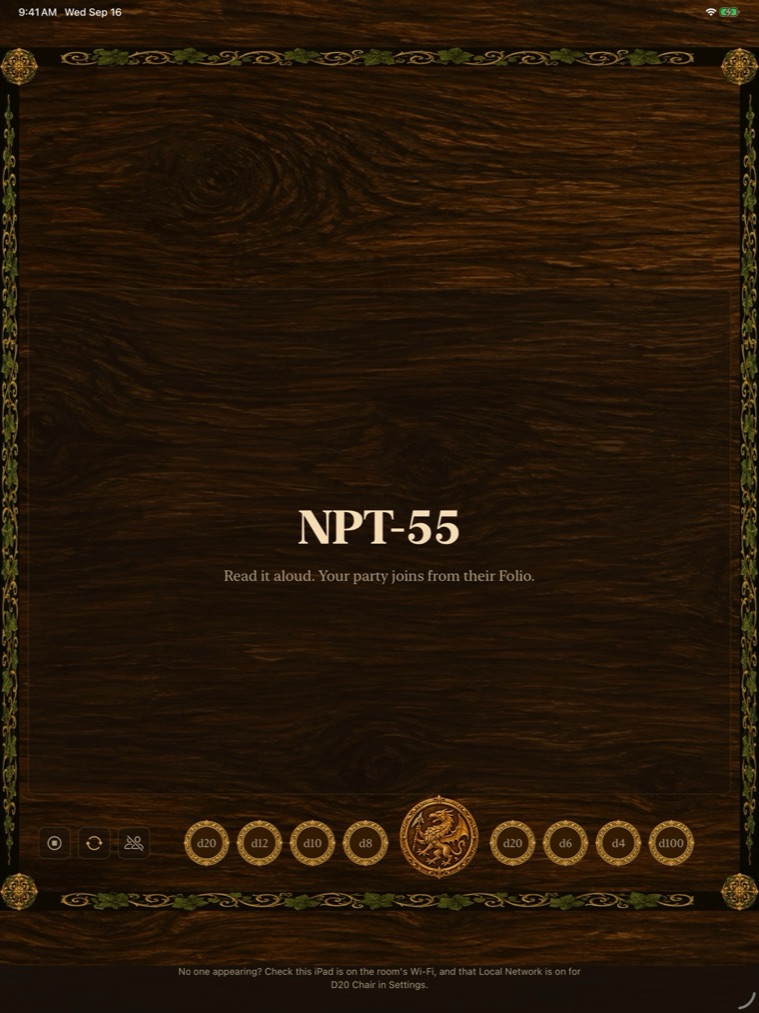
Tap Gather the Table on the iPhone, iPad or Mac. The Chair shows a short code in large letters. Read it aloud.
-
Players join with the code
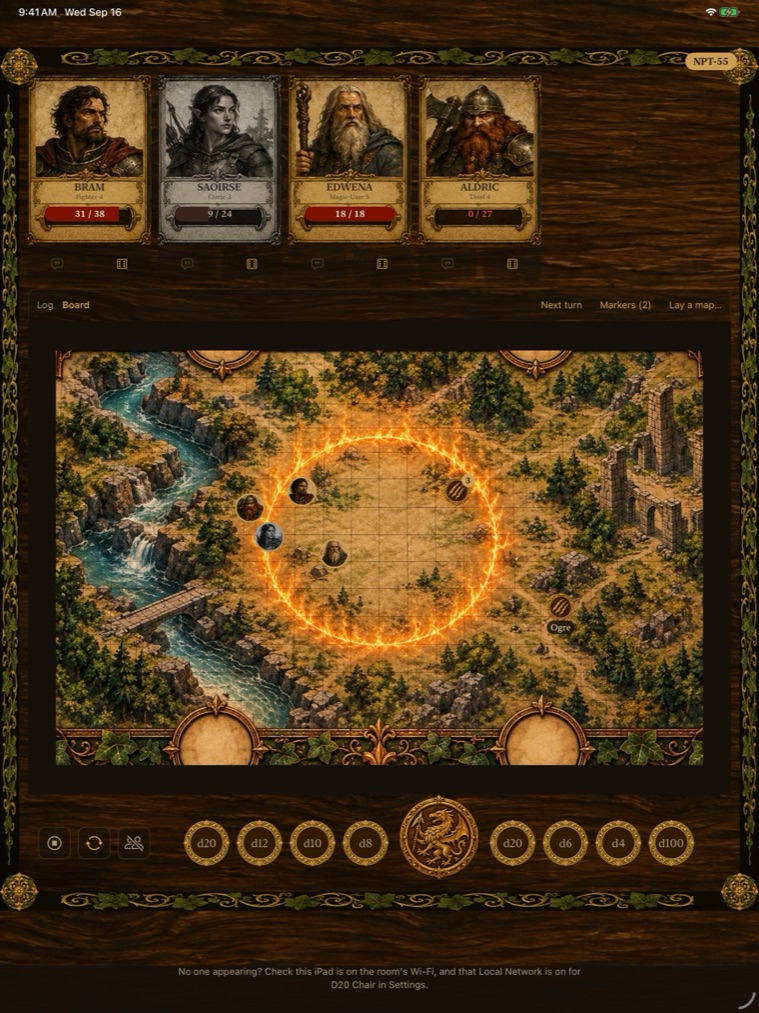
In the Folio, open your hero and choose Join a Table, then type the code. The Game Master accepts you, then your hero's card appears on their screen and the board appears on yours.
Up to 7 players. The first time, your device asks to find devices on your local network. Allow it, or the table can't find you.
-
Play
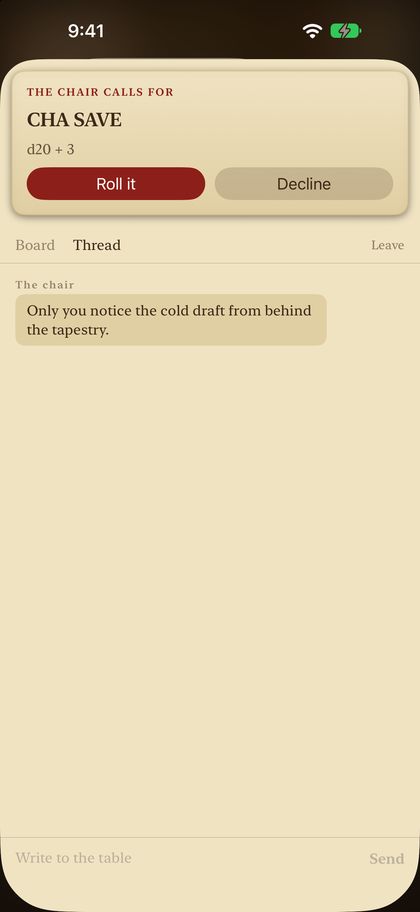
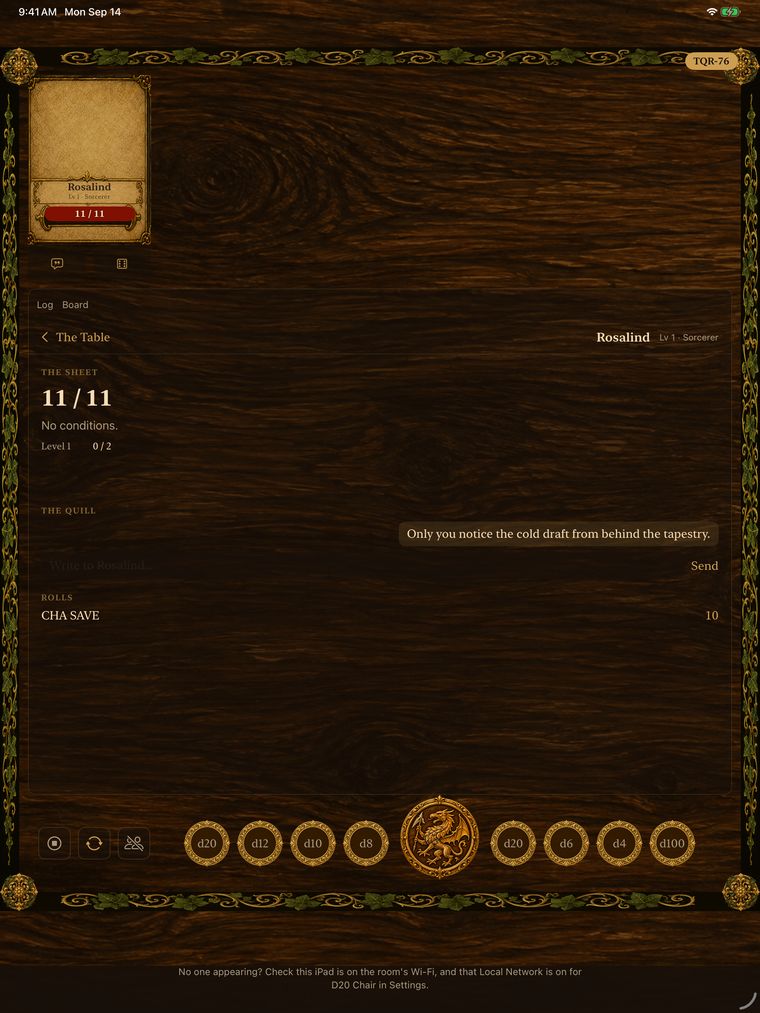
The Game Master can pass one player a private note, call for a roll the player makes in their Folio, or roll quietly for them. Everyone sees the same map and whose turn it is, and each player can move their own token. Any player can leave at any time, and the Game Master can remove any one player, who then can't rejoin that table.
-
End the table
When the evening's over, the Game Master ends the table. Players see that it has ended. The Chair keeps last evening's table so next week picks up where you stopped.
What stays where
The full detail is in the privacy pages for D20 Chair and D20 Adventurers Folio.